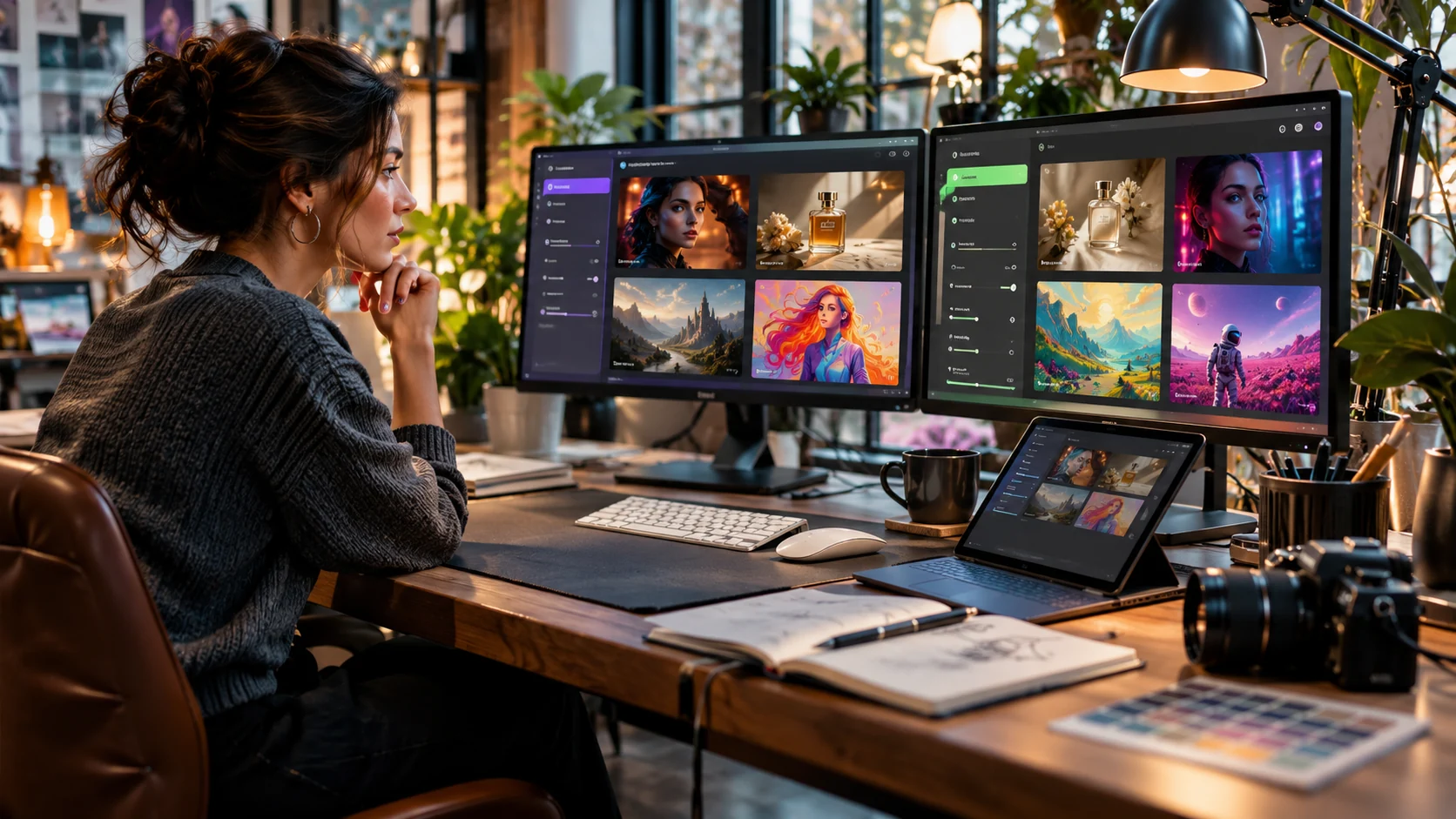
You already have the picture in your head. A product shot under soft studio light or a fantasy landscape or a poster for the business you are about to launch. Getting it onto a screen used to take a designer or weeks with heavy software or an afternoon lost to stock photo sites. Now you type a description and an AI image generator takes a swing at it.
Picking one from the crowd is where the headache starts.
ChatGPT makes image creation feel like a conversation. Midjourney has built a loyal following around artistic visuals, while Adobe Firefly fits into professional creative workflows. Google Gemini, Ideogram and Recraft take different approaches. Some cost nothing to try while others charge from day one. A bigger bill does not guarantee a better picture.
So which one is the best AI image generator in 2026?
Beginners who want to experiment should look at ChatGPT Images and Google Gemini first. Midjourney suits art-focused projects; Adobe Firefly makes sense for anyone already working in Adobe software. Ideogram handles designs with prominent text while Recraft covers graphics and vector work. What you make and how often you make it will settle the rest along with where the finished images end up.
Below is a tour of the leading options with the costs and restrictions that tend to slip past people.
Best AI Image Generators in 2026 at a Glance
Skip ahead to this part if you do not want to read about each one.
| Tool | Free access | Paid starting price | Best for | Main limitation | Commercial-use note |
|---|---|---|---|---|---|
| ChatGPT Images | Yes, limited | Paid ChatGPT plans; price varies | Beginners, image editing and revisions | Usage limits | Check applicable terms |
| Google Gemini | Yes, limited | Google AI plan-dependent | Photo editing and Google workflows | Features vary by product and plan | Check applicable terms |
| Midjourney | No standard ongoing free trial | $10/month | Artistic images and visual concepts | Private generations require eligible plans | Special plan requirement for companies above $1M gross annual revenue |
| Adobe Firefly | Limited free access | $9.99/month | Adobe workflows, design and marketing | Model-specific credit use | Rights can depend on model |
| Ideogram | Limited or credit-based free access | $20/month (monthly billing) | Text-heavy graphics and posters | Credit and privacy restrictions | Review current terms |
| Recraft | Yes, restricted | Paid plans available | Vector graphics and branding | Free outputs are public | Free-plan outputs not licensed for commercial use |
| Leonardo AI | Yes, limited tokens | Paid plans available | Concept art and game assets | Token allowance depends on settings | Review plan and model terms |
| Canva | Limited AI features | Paid Canva plans available | Social media and finished designs | Feature and quota limits | Check asset and model terms |
| FLUX | Depends on provider and model | Provider-specific pricing | Developers and customized workflows | Setup and licensing complexity | Depends on model/license/provider |
These prices come from reviewed US dollar information available in November 2026. Free allowances and supported models and subscription terms and regional prices can all change.
The table shows where to start. It says nothing about how much effort each tool will save you.
Are Free AI Image Generators Good Enough?
For a lot of people it is.
Say you need a featured image for the odd blog post or you want to toy with a few social media ideas. A free generator might cover all of that without a single payment.
Expect a few strings attached though. One service caps daily generations. Another trims editing features or slows down generation or holds back image resolution. A third lets you create for free but asks for payment once the work is private or commercial.
A student building a fictional city for a class presentation has a completely different situation from a designer preparing packaging for a paying client. And a gorgeous free image can turn out to be the wrong pick when its license does not cover what you planned to do with it.
Three questions are worth asking before any money leaves your account. Can the free version produce the kind of image you actually need? Are you comfortable with its usage limits and privacy settings? Does it allow the output to be used for your purpose?
When all three answers work for you the longer feature list on a paid plan is just decoration.
ChatGPT Images: Best for Easy Image Editing
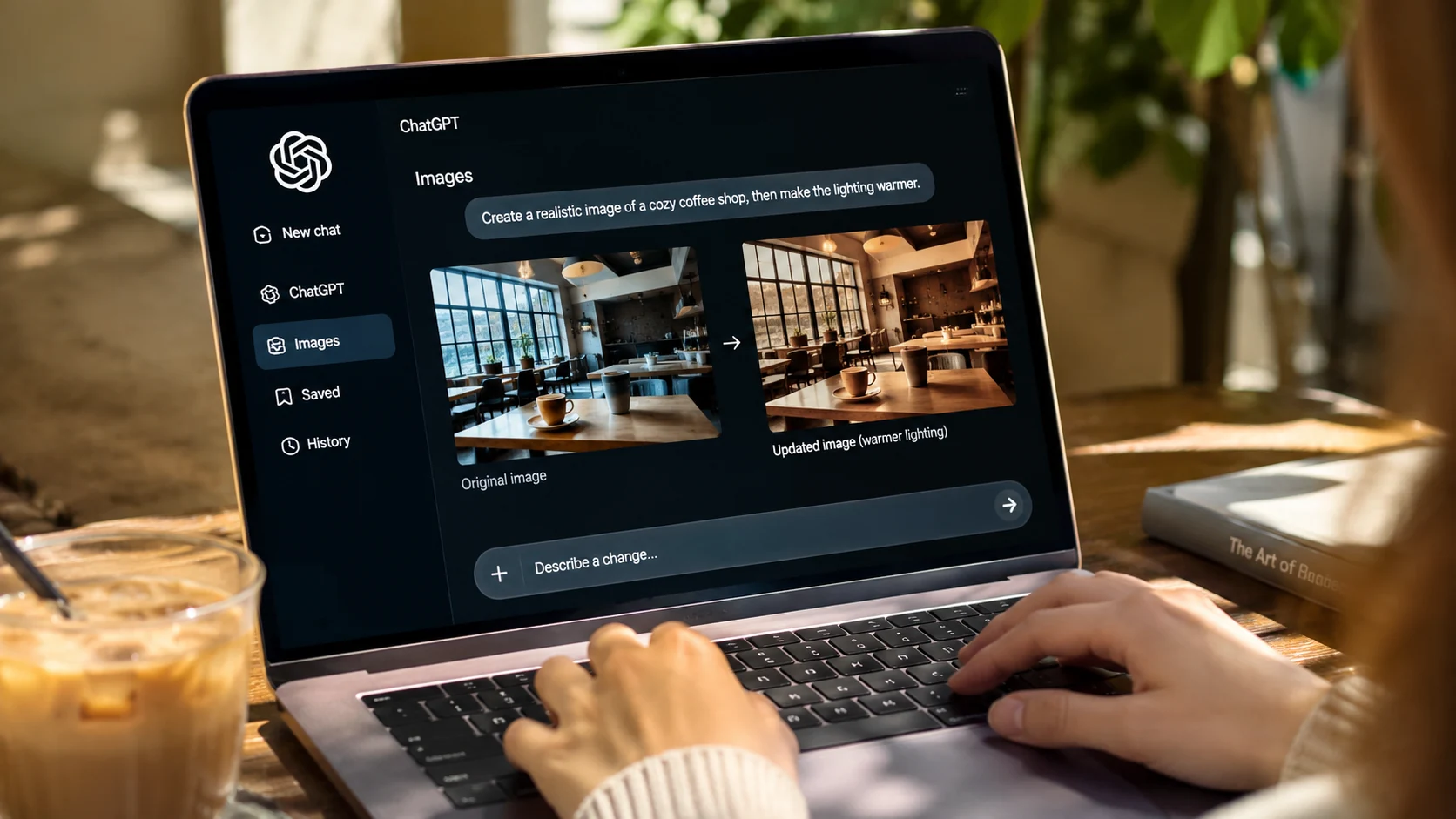
Typing a request in plain language beats memorizing a pile of special commands. You might ask ChatGPT for a cozy coffee shop scene and then decide the lighting needs to be warmer. Next you want a wider shot with the table pushed closer to the window and that distracting object gone.
That back and forth is the whole appeal.
ChatGPT Images generates new visuals and edits existing pictures. Upload a photo and describe the change and keep refining from there. It handles different aspect ratios and transparent backgrounds too. Free and paid ChatGPT tiers both include it although access limits and some capabilities differ between them.
Blog illustrations and social content and concept development and product mockups all fit nicely. So does any project where you already know you will go through several rounds of changes.
Complex edits can disturb the details around the area you asked to change even when you wanted only a tiny tweak. The final image always needs a close look anyway.
Occasional users can stay on the free tier until the usage limits or missing capabilities start interrupting their work. Paying makes sense from that point.
If you are also shopping for an assistant to help with writing or research or coding then our ChatGPT vs Gemini vs Claude comparison covers how those products differ beyond images.
Google Gemini: Best for Photo Editing
Google's image tools have grown a lot more capable lately and they shine brightest when you want to change an existing picture instead of inventing everything from scratch.
The Nano Banana family includes generation and editing models built to follow instructions about subjects and scenes and small details and visual consistency. Google introduced Nano Banana 2 in February 2026 with faster generation and better instruction following and improved text rendering. It also keeps subjects consistent across images.
That last part matters when you need a series. Say you are designing several promotional visuals around one fictional character. You want new backgrounds and new poses but the character should still look like the same character each time. Consistency ends up mattering more than a single stunning image.
Photo transformations and visual concepts and campaign variations all play to its strengths. People already using Google's services get an extra bonus.
Features and model access vary between the Gemini app and Google Search and AI Studio and the paid subscription offerings. Something available in one product may be missing from another.
Free access gets you exploring right away. The exact limits and model access attached to your account should decide whether a paid Google AI plan is necessary.
Gemini also plugs into Google's wider AI experience and our guide to Google AI Mode explains how the search side works along with its limitations.
Midjourney: Best for Artistic Images
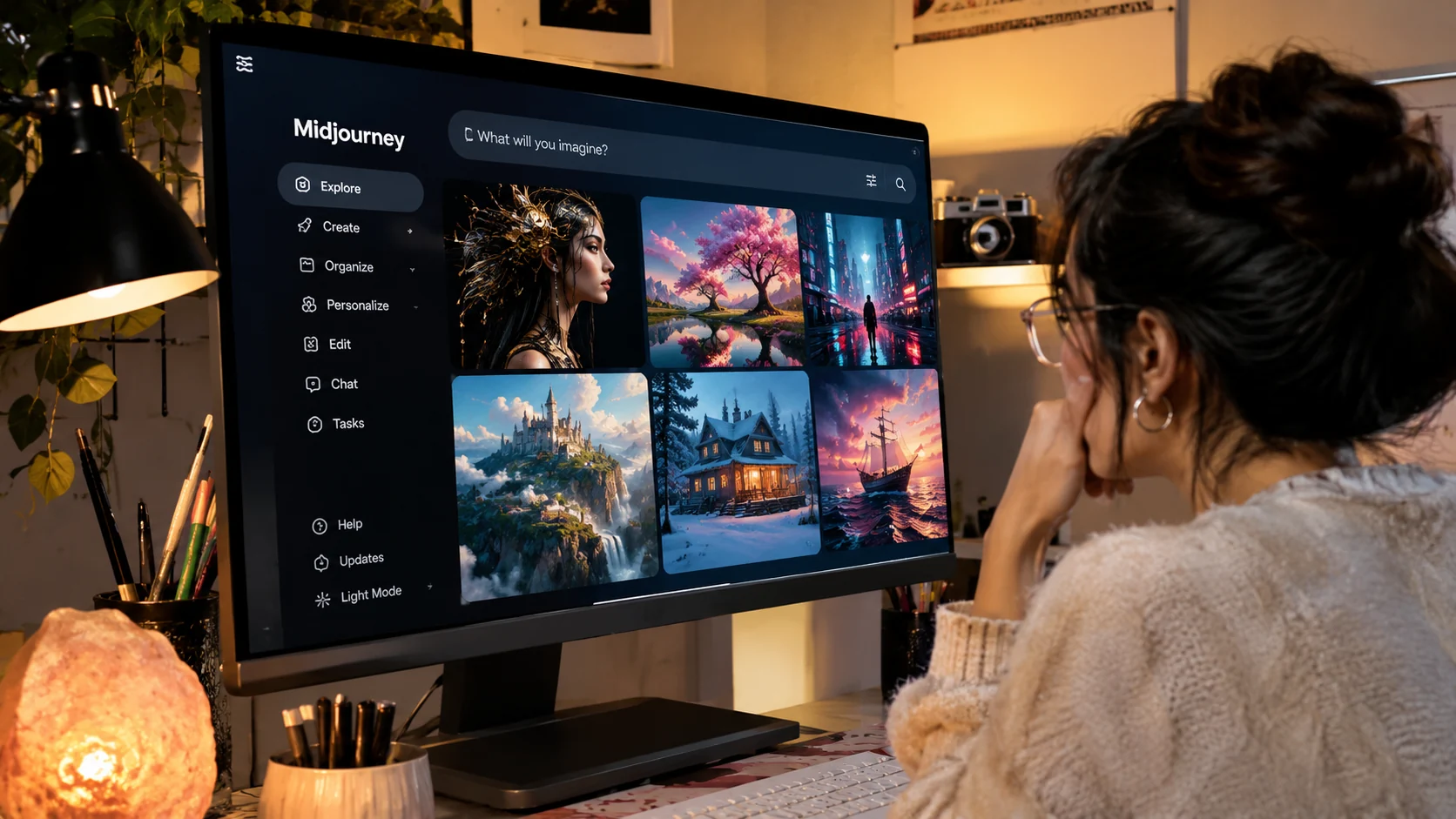
Some people want an image that looks like a polished advertisement. Others want a painting or a cinematic frame or artwork for an imaginary world.
Midjourney is built for that second crowd. Artists and creative professionals who obsess over composition and atmosphere and style tend to reach for it. Character concepts and fantasy environments and fashion ideas and elaborate scenes all come out well.
The subscription structure deserves a close read before you sign up though. Basic costs $10 per month. Standard is $30 and Pro is $60 while Mega is $120. Annual subscriptions lower the effective monthly price but you commit upfront.
Stealth Mode lets Pro and Mega subscribers hide creations from other users on the Midjourney website. Images created in shared or public Discord channels can still be seen by people in those channels, even with Stealth Mode on. A company earning more than $1 million in gross annual revenue also needs a Pro or Mega plan for commercial use under Midjourney's policy. Midjourney's official subscription plans spell out these restrictions.
Artistic projects and fantasy imagery and mood boards and visual storytelling are where it earns its keep.
A subscription can feel wasteful when you generate only a handful of images each month. Privacy costs more than the entry level plan too.
Midjourney is mostly a paid product. Basic covers occasional art focused creation while higher tiers matter when volume or privacy enters the picture.
Adobe Firefly: Best for Professional Creative Workflows
Anyone already working in Adobe software should look at Firefly. Generating an image from a prompt is only half of it. The generative features sit right beside the tools you use to finish a project.
A professional designer might need to remove an unwanted object or extend a background or adjust a composition and then prepare the result for a campaign. That workflow looks nothing like generating a lovely picture and downloading it.
Firefly supports image generation and creative editing with access to multiple models and workflows depending on the plan. The Free offering includes limited daily generations. Firefly Standard is listed at $9.99 per month with 2000 monthly generative credits. Adobe says that allowance supports up to 400 images under its stated generation conditions and actual credit use can shift by feature and model. Adobe Firefly's pricing and plan details list the current allowances.
Marketing materials and creative editing and client projects all fit. Credits are not unlimited use and different models and advanced features can draw on different allowances.
The free version works as a test drive for your own projects. Regular use and a predictable creative workflow make the paid plan more sensible.
Licensing needs one more mention. Adobe's own model policies and the terms of partner models can differ so identical legal protections should never be assumed across every model offered through one interface.
Ideogram: Best for Text in Images
Ask an AI generator for a poster with a headline and you will find out fast why text handling matters. A beautiful background means little when the words come out misspelled or the lettering melts into something unreadable.
Ideogram was designed around graphic creation and typography. Promotional posters and visual branding concepts and any design where words carry the composition make it a useful candidate. Paid plans add private generation and higher credit allowances and extra workflow controls.
Plus is listed at $20 per month on monthly billing with a lower effective cost on annual billing. Pro sits at $60 per month on monthly billing.
Two posters a month can often be handled with a free option and some manual typography in a design editor. Daily marketing graphics are a different story since faster iteration and private generation start paying off.
Event posters and social graphics and advertising concepts all suit it.
Even specialized text rendering models slip up sometimes. Dates and brand names and prices and headlines all need proofreading before anything gets published.
Entry level access is the place to begin. Frequent private work and higher volume production are what make a paid plan attractive.
Recraft: Best for Vector Graphics and Branding
Not every project calls for a photograph. Sometimes you need an icon or an illustration or a logo concept or a scalable graphic that will end up on packaging or signage or a website.
Recraft focuses on image creation and design workflows including graphics and vector oriented work. Reusable design assets rather than decorative images are its sweet spot.
The gap between its free and paid offerings is unusually important though. Recraft's pricing and licensing information states that images generated on the Free plan are publicly visible and carry no commercial license.
That is a major restriction. Graphics for a business or a client's website or a product you plan to sell are all off the table on the free version.
Illustrations and scalable graphics and branded visual elements are what it handles best.
Free access works for personal experimenting. Paid plan terms deserve a careful read before any generated asset goes into commercial work.
Leonardo AI: Best for Concept Art and Game Assets
Characters and game assets and environments and huge batches of creative variations all point toward Leonardo AI. The interface and features aim at visual experimentation so illustrators and game creators and anyone exploring different directions will find it relevant.
Free access comes with a limited token allowance while paid plans expand capacity and features. How many images you get depends on the model and settings you choose as with other credit based tools.
Character concepts and game environments and fantasy illustrations suit it well.
Tokens and model options and generation settings make direct comparisons with subscription based tools a bit messy. The free allowance is the natural starting point and current paid plans can be compared once you keep running out of it while producing useful work.
Canva: Best for Finished Social Media Designs
Canva sits in a slightly different spot. You might generate an image in a dedicated AI service but your Instagram post or presentation cover or advertising graphic is still unfinished. Headings need adding and elements need arranging and brand colors need applying and the whole thing needs exporting at the right size.
That finishing work is where Canva earns its place. AI features sit beside templates and typography and layouts and editing tools in one workflow.
Small businesses posting social content every week may value finishing the whole graphic in one place over the raw artistic quality of any generator.
Social media graphics and presentations and promotional content and business design templates all fit. AI features and generation limits and model availability depend on your plan and complex artwork may call for a more specialized generator.
Occasional content is often covered by the free design capabilities. Premium assets and brand features and larger AI allowances belong to paid access.
FLUX: Best for Developers and Custom Workflows
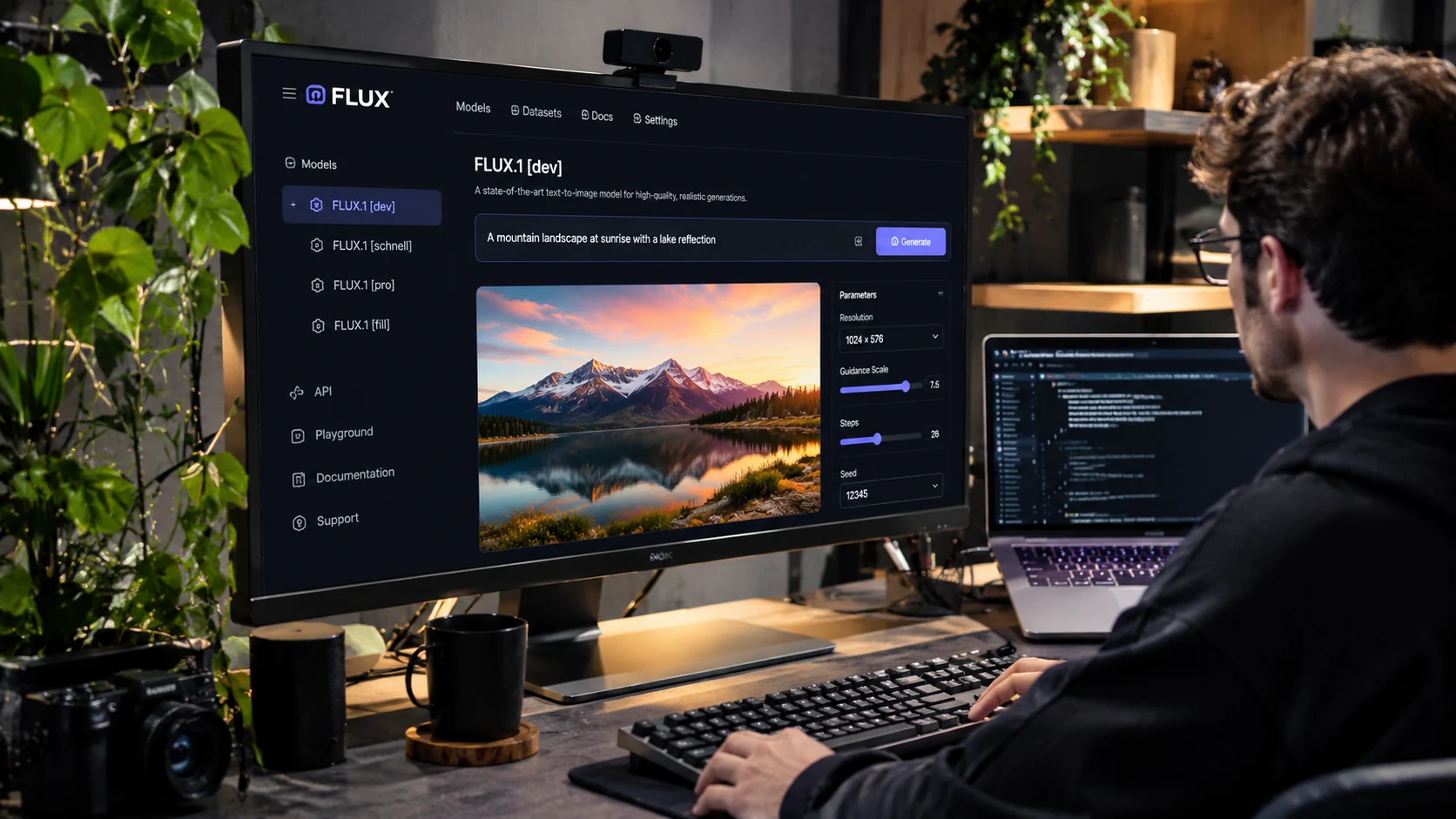
FLUX lives in a different conversation. Most people want a website where they type a prompt. Developers and technical creators want control over how image generation gets delivered.
FLUX models show up through different products and providers and licensing and access vary. Some workflows run through APIs or hosted services. Others use locally managed models where the license and your hardware allow it. That flexibility makes pricing hard to summarize since no single FLUX subscription covers every model and provider.
Developer integrations and customized generation pipelines and technical workflows are the natural fit.
Setup requirements and model specific licenses and usage based pricing can confuse casual users. Free access to one model or implementation says nothing about the others and commercial work needs the exact model and hosting service and license checked.
Free vs Paid AI Image Generators: Key Differences
It is tempting to assume paid generators simply make better images. Sometimes a paid plan unlocks more capable models or better output options. Much of the difference is practical though.
Generation limits are often the first difference. Free plans usually have daily, monthly or credit-based caps, while paid plans may raise those allowances. Speed follows since paid tiers may add priority processing while free accounts get standard or limited capacity. Resolution can be restricted on free plans and paid ones may open up more export options.
Editing tools are often basic or limited at the free level with additional ones further up. Privacy works the same way because some services make free images public and offer private generation only on eligible plans. Commercial rights vary wildly and certain services grant broader rights on paid tiers.
Team workflows tend to be limited on free plans and collaboration or administration features come with paid ones. Advanced models are restricted at first and paid plans may add more models or features.
The words may and some matter here. Not every paid plan includes these perks, and free plans have different restrictions. A $20 subscription at one company cannot be compared fairly with a $20 subscription at another until you check the included usage.
Is a Paid AI Image Generator Worth It?
Take two different users. One makes three or four images a month for personal projects. The other produces dozens of advertising concepts every week and revises them for different clients while keeping unfinished campaigns private.
The first person probably has no reason to pay. The second may find a subscription clears away enough delays and restrictions to justify the cost.
Start with the work you actually do and ignore the advanced features you might need someday. Then estimate monthly image counts including failed attempts and revisions. After that list the features you cannot work without such as private generation or consistent characters or commercial licensing or integration with another design tool.
One product might cover all of it. Three subscriptions that solve nearly the same problem add up surprisingly fast.
Which AI Image Generator Is Best for Your Project?
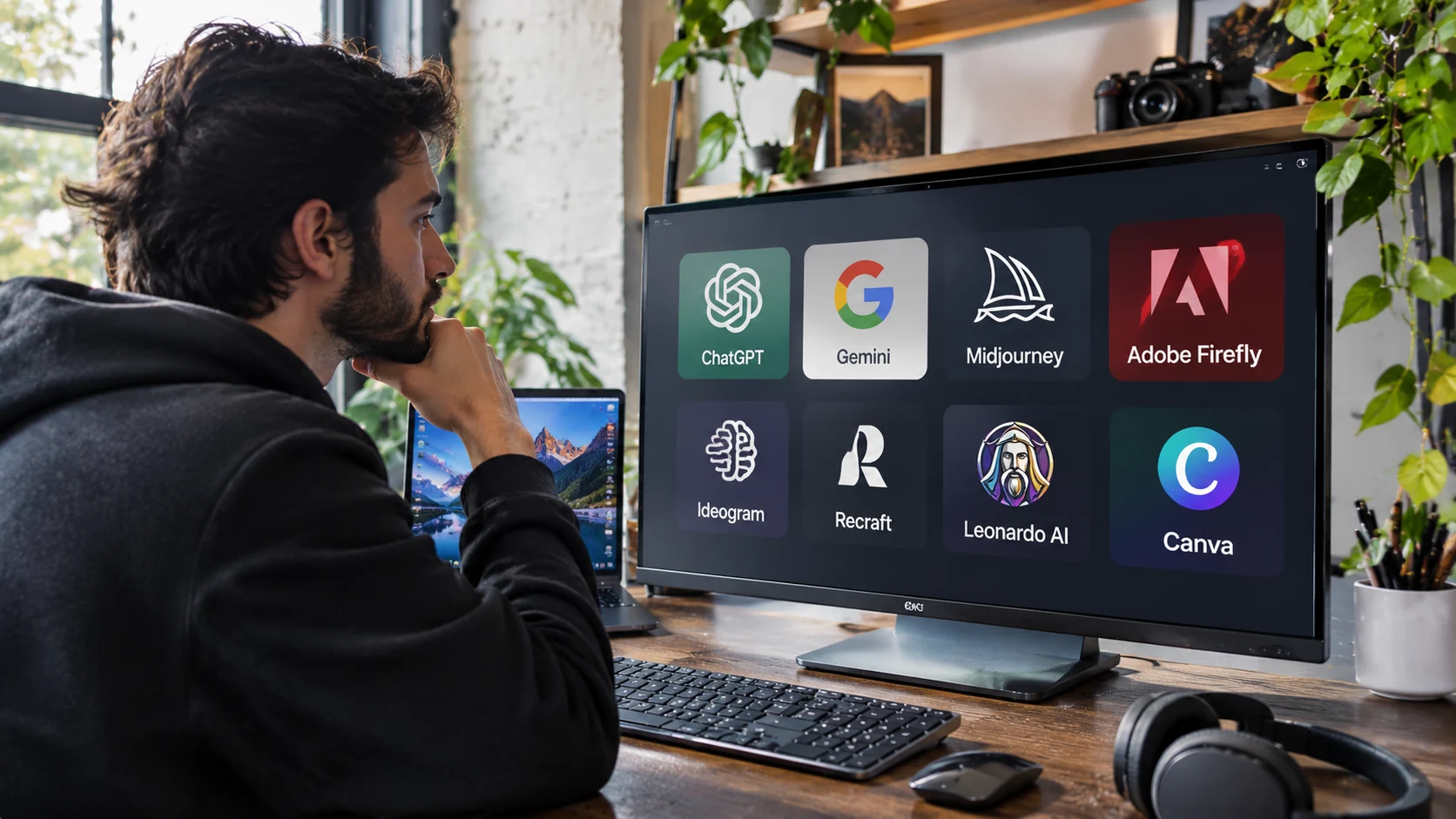
A generic ranking does not pick a winner for you so match the product to the work.
Beginners can start with ChatGPT Images or Google Gemini since both offer accessible ways to experiment with generation and refinement within account limits.
Realistic photos call for a side by side test of ChatGPT Images and Google's image models. Look for believable lighting and convincing textures and consistent objects. A realistic looking image still proves nothing about whether the scene is factually authentic.
Cinematic artwork points to Midjourney alongside Leonardo AI. The visual style you want matters along with how smoothly you can revise. A striking image becomes a headache when the composition takes endless fiddling.
Advertising and marketing work brings in Adobe Firefly and Canva and Ideogram for different reasons. Firefly handles creative editing and Canva assembles finished marketing materials while Ideogram matters when generated typography is central. AI tools are often part of a bigger marketing workflow and AI search visibility covers how businesses improve discoverability across search experiences.
Logos and vector illustrations lead to Recraft when scalable graphics are involved. A visual that resembles a logo is not automatically unique or legally protectable or safe as a trademark.
Developers can explore FLUX along with the API offerings of other image generation providers. Cost per use and deployment and integration and model licensing and the level of control over generation all matter there.
Can You Use AI-Generated Images Commercially?
This is where an innocent subscription choice can turn into a business problem. You create an image and download it and want it on product packaging or in a paid ad. Does the download hand you every right attached to the image?
Not necessarily. Several separate questions are tangled together here.
The platform itself may allow or restrict commercial activity through its subscription terms. Contractual rights to the generated output can also differ between free and paid plans. Copyright eligibility is another matter altogether and depends on applicable law and the circumstances of creation. A fourth issue sits underneath all of it since a provider's commercial permission does not wipe out trademark or likeness concerns or other third party rights.
Recraft's Free plan shows how free creation and commercial permission can come apart. Midjourney adds its own subscription requirement for companies above the stated annual revenue threshold.
Client work means reading the applicable terms before generated assets land in final deliverables. Real people's likenesses and recognizable brands and other protected material may need additional permissions.
Personal artwork rarely needs this much scrutiny. Commercial work does.
How to Test AI Image Generators Before You Pay
Nobody needs to become an expert in every model. A short practical comparison reveals a lot.
Pick three images you genuinely need. A realistic product photo for an online store could be one and a poster with a short readable headline could be another. An existing image with one background object removed makes a good third. Each is a different challenge and one tool might nail the product scene while stumbling on typography. Another could handle text well and turn editing into a chore.
Give each tool similar instructions. Comparing a detailed prompt in one tool against a vague prompt in another tells you nothing so keep the subject and style and lighting and composition and output size as consistent as the software allows.
Then look past the first impression. Check whether objects have the right shape and whether the text reads correctly. Watch for details drifting across revisions and for edits that touched something you asked the tool to leave alone. Commercial images need a match against the product being advertised.
Count usable results instead of total generations. Imagine Tool A produces ten images and only two are usable while Tool B produces five and four work. The second tool can be more efficient even with a pricier looking subscription. That example is hypothetical and not a measured result for any named product.
Privacy and licensing deserve a look before subscribing. Confidential product ideas and customer photos and unreleased campaigns all raise questions about what the provider does with uploaded and generated material. Private generation and data retention and model training policies are separate issues and the terms for your plan spell them out.
The free tier stays if it keeps working for you. An upgrade makes sense after you hit a limitation you have actually run into.
Common AI Image Generator Mistakes to Avoid
Sample galleries mislead because providers naturally showcase their best results and your everyday prompt may produce something quite different.
Editing capabilities get ignored far too often even though generating the picture is only the opening move when revisions are involved. Credits get confused with image counts as well since different models and operations burn different amounts.
Paid does not always mean private because some providers reserve private generation for particular subscription levels. Commercial permission under a platform's terms also leaves copyright and trademark questions open.
Subscribing to several tools at once drains money before you know which workflow suits you.
Then there is the plainest mistake of all. Expecting the AI to know details you never explained. A stronger prompt names the subject and setting and lighting and visual style and aspect ratio along with anything that must stay unchanged. Technical jargon is optional and clear instructions are what count.
Frequently Asked Questions
What Is the Best AI Image Generator in 2026?
No single winner exists for everyone. ChatGPT Images is a practical starting point for conversational creation and editing while Midjourney appeals to artistic workflows. Adobe Firefly fits professional creative work and Ideogram is relevant for text heavy graphics.
Which AI Image Generators Are Free?
ChatGPT Images and Google Gemini and Adobe Firefly and several other platforms offer some form of free or limited image generation. Usage limits and available features vary.
Is Midjourney Better Than ChatGPT for Images?
They suit different workflows. Midjourney appeals to artistic visual exploration and ChatGPT offers straightforward conversational creation and revision. Neither is guaranteed to win on every prompt.
Are Paid AI Image Generators Better Than Free Ones?
Paid plans may bring higher limits or private generations or additional models or more editing capabilities. Occasional personal projects may be fine on a free plan.
What Is the Best Free AI Image Generator for Beginners?
ChatGPT Images and Google Gemini both support natural language instructions which makes them friendly places to start. Your own preferences and account features will decide which feels easier.
Can You Sell AI-Generated Images?
Potentially yes but the platform's commercial use terms and applicable law both need review. Products and plans offer different rights and commercial permission never guarantees copyright protection or freedom from third party claims.
Can AI Image Generators Create Realistic Photographs?
Many generators produce highly realistic scenes. A realistic look is no proof that an event happened or that a product looks exactly as shown so any generated image representing real world facts needs a careful review.
Which AI Image Generator Handles Text Best?
Ideogram is designed for typography oriented visual work and Google's image models and ChatGPT Images also support text rendering. Important lettering should be inspected before publishing.
Can AI Image Generators Edit Existing Pictures?
ChatGPT Images and Google's image tools and Adobe Firefly all support image editing workflows. Capabilities and limits depend on the provider and plan.
Do You Need More Than One AI Image Generator?
Probably not. One versatile option is a fine place to begin and a specialized tool can join later when it solves a problem your current software handles badly.
Final Verdict: Free or Paid AI Image Generator?
If you are just starting out then hold off on paying for anything. Try ChatGPT Images or Google Gemini on a few pictures you genuinely need and watch how the results look and whether the editing process makes sense.
Cinematic artwork and visual concepts point toward Midjourney. Professional creative workflows lean toward Adobe Firefly and posters with prominent lettering lean toward Ideogram. Vector graphics at the center of your work make Recraft worth a closer look.
The most impressive sample image tells you little. What counts is which tool keeps delivering usable results with reasonable effort and the permissions your work requires.
A free generator that covers those needs beats an expensive subscription gathering dust. A paid tool that saves hours of frustrating revisions can be worth every dollar.
Choose the work first and let the software follow.



Comments
0 discussionsAdd your perspective, reply to other readers, and keep the conversation useful.
Conversation
Reader responses