
10 Best AI Video Generation Platforms in 2026
AI video tools no longer compete for exactly the same job. Google Flow, Runway and Kling focus heavily on generated scenes, while HeyGen and Synthesia are built around digital presenters. InVideo approaches the problem more like an automated production studio. This guide compares 10 active AI video generation platforms in 2026 by capabilities, pricing, free access, limitations and the workflows they actually suit.
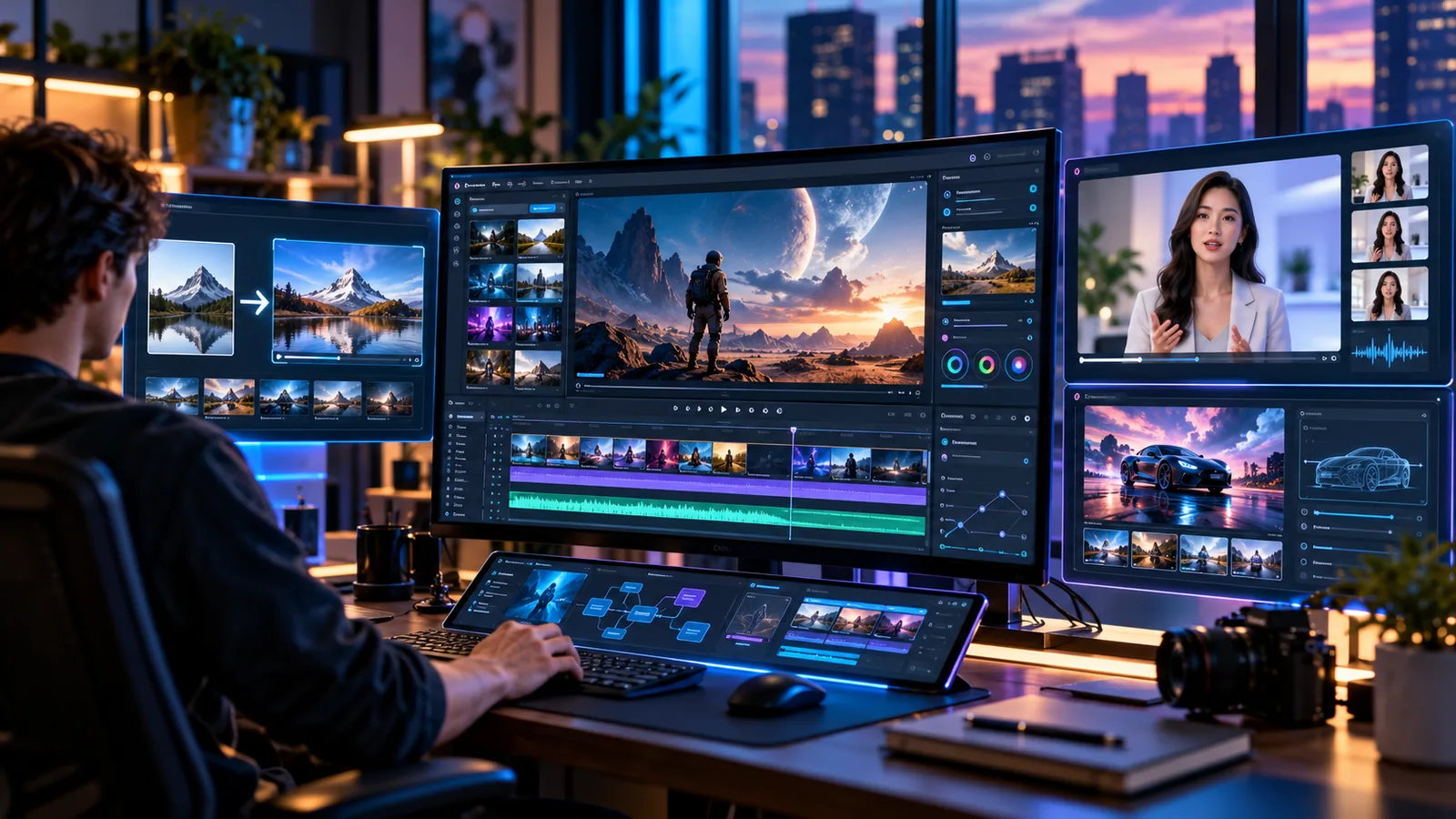
Choosing an AI video generator in 2026 is not as simple as picking the tool with the most impressive demo.
These platforms now do very different jobs. One might turn a written prompt into a cinematic scene with matching sound. Another may be better at bringing a still image to life. Some focus on realistic digital presenters, while others combine scripts, stock footage, voiceovers and generated clips to produce something much closer to a finished marketing video.
That difference matters.
The best AI video generation platforms should be judged by what they are actually designed to do. Image quality is important, but so are motion, creative control, character consistency, editing options, audio, generation limits, licensing and the real cost of producing enough versions to get one clip you are happy with.
This guide compares 10 active platforms with those practical questions in mind. One familiar name is missing. OpenAI discontinued the Sora consumer product on April 26, 2026, and later ended its API. Since it is no longer a current option, including it would not help someone choosing a platform today.
What Counts as an AI Video Generation Platform?
The term "AI video generator" now covers several kinds of software.
Text to video tools create footage from written instructions. Image to video tools start with a still image and add movement. Generative editing tools work with footage you already have and can change, extend or restyle parts of it.
Avatar platforms take a different approach. Instead of creating an entire scene from scratch, they usually build the video around a digital presenter, a script, synthetic speech and sometimes translation.
There is also a growing group of AI production tools that handle more of the workflow. They may help write the script, choose stock footage, generate new visuals, add a voiceover and assemble the final edit.
This distinction is worth understanding before comparing prices. Runway and Synthesia can both produce AI video, but they are built for very different kinds of work.
Best AI Video Generation Platforms at a Glance
Pricing below was checked in October 2026. Prices are generally listed in US dollars and can vary by country, billing cycle, taxes and promotions.
10 Best AI Tools For Video Generation Platforms in 2026
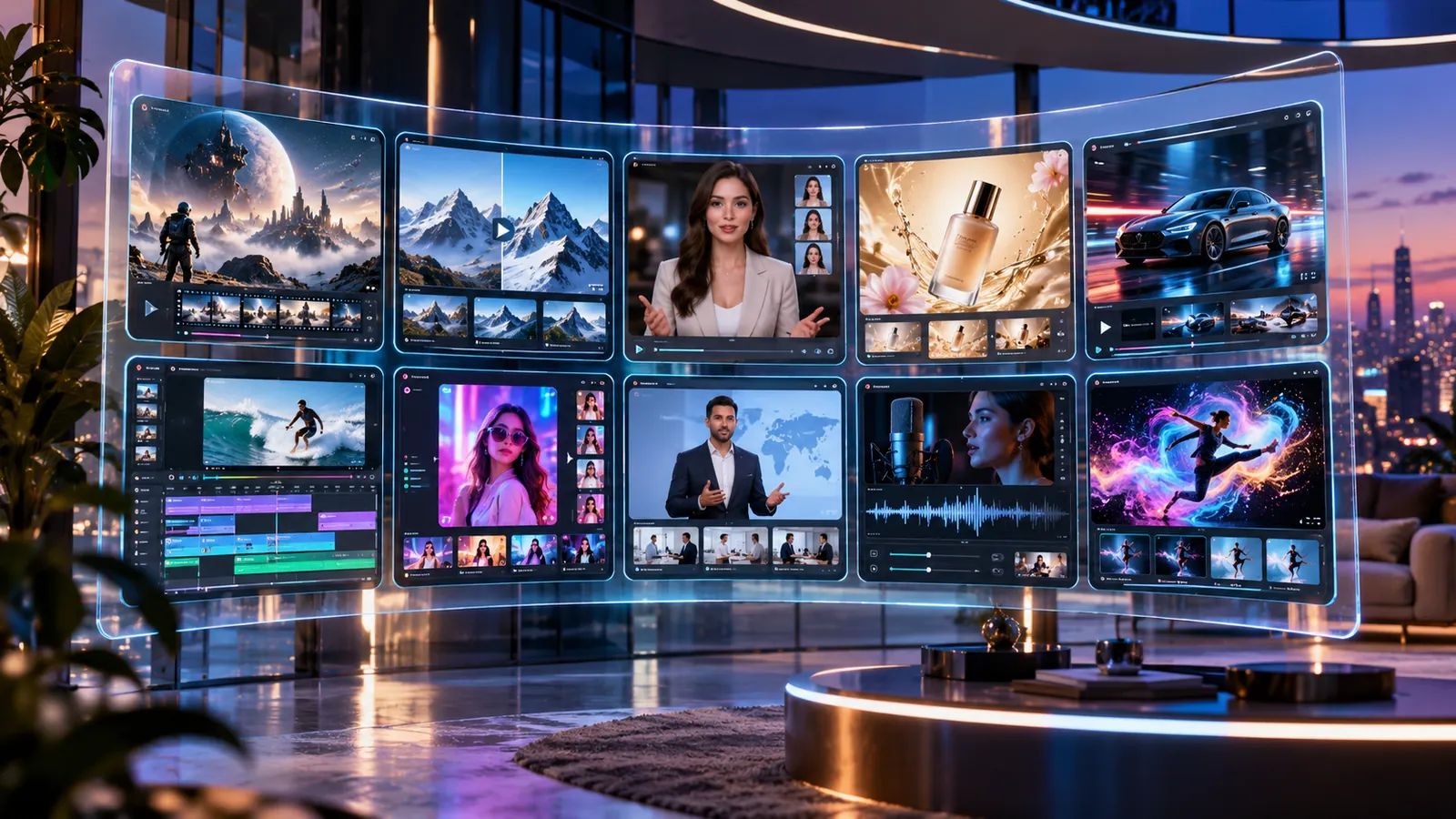
1. Google Flow: Best for Cinematic AI Video With Native Audio
Google Flow has grown into something more useful than a simple prompt box for generating short clips.
Veo 3.1 sits at the centre of the experience and supports text to video, frames to video, video extension and native audio. Flow also provides scene building and editing features, which makes it more practical when you want several related shots instead of one isolated experiment.
The biggest attraction is having visuals and sound generated inside the same environment. If you are building a concept film, advertising sequence or cinematic social video, that can remove a surprising amount of extra work.
Google currently provides 50 Flow credits per day without requiring a paid AI subscription. Google AI Plus starts at $4.99 per month, while Pro costs $19.99 and includes 1,000 additional monthly Flow credits. Higher Ultra plans provide larger allowances and additional output options. Pricing can differ by region.
There is one thing you need to watch closely: credits.
Generative video often takes a few tries. The first result may have the right camera movement but the wrong face. The second may fix the face and introduce a strange background object. A clip that looks effortless in the final edit might have taken several attempts to produce.
For cinematic work, Flow is one of the most interesting choices available. If your main job is creating long training presentations or simple corporate presenter videos, there are better tools for that.
2. Runway: Best for Professional Creative Control
Runway makes more sense when generating a clip is only one part of your production process.
Its Gen 4.5 model supports both text to video and image to video, with clips ranging from two to 10 seconds. The model currently costs 12 credits per second, so experimenting with several versions can eat through an allowance faster than you might expect from the monthly subscription price.
What makes Runway interesting is the workspace around the model.
You are not limited to generating a clip and downloading it. Runway brings its own models, selected outside models and editing tools into one place. That is useful when you want to keep adjusting an idea rather than jumping from one app to another.
The Free plan is enough to understand how the platform works. Standard currently costs $15 per month when billed monthly, or about $12 per month with annual billing, and includes 625 monthly credits. Pro increases that allowance to 2,250 credits.
Runway still has some practical friction. Generations are generally short, and every failed attempt costs something.
It suits creators who enjoy directing the result, making revisions and finishing the work themselves. If you want to type one paragraph and receive a complete advertising campaign ready to publish, this is probably not the platform you are looking for.
3. Adobe Firefly: Best for Adobe Based Commercial Workflows
Adobe Firefly has an advantage that is easy to overlook.
It is not only about generating video. It is about what happens to that video afterwards.
Firefly can produce video from text or images, while also connecting with editing, generative audio and Adobe's wider creative software ecosystem. Adobe also offers access to partner models, which gives users more choice without forcing them to move every experiment into a completely separate application.
For professional teams, Adobe's approach to its own Firefly models is another important consideration. Adobe says those models are trained using licensed and public domain material and positions Firefly output for commercial creative work.
That does not mean every outside model available through the platform automatically has identical licensing terms. If you use a partner model, its conditions are still worth checking.
Firefly Free includes limited generations. Standard costs $9.99 per month and provides 2,000 generative credits. Adobe states that this can cover up to 40 five second video generations under its stated usage assumptions. Pro costs $19.99 per month and includes a larger credit allowance.
Firefly is easiest to recommend to designers, agencies and marketing teams that already use Adobe software. If your only goal is getting as many raw AI video generations as possible for the lowest price, a specialist platform may offer better value.
4. Kling AI: Best for Generative Motion and Image Animation
Kling remains interesting because it focuses on something many creators actually need: turning a still visual into movement that feels believable.
It is not really trying to replace a complete editing application.
Its appeal comes from creating scenes, camera motion and animated imagery that can later be taken into another editing workflow. That works well for advertising concepts, social clips, mood films and creators who already know where they want to finish their videos.
Kling's paid memberships use monthly credits and provide benefits such as higher quality video options, faster access, watermark removal and commercial use permissions for members.
Exact fees and benefits can change between plans, so it is safer to confirm the latest cost directly on Kling's purchase page rather than relying on an old article.
More important than the entry price is how the credit system works for your own projects.
Try creating the kind of footage you normally need. See how many attempts it takes to produce something usable. A cheap subscription does not feel cheap anymore if one client clip consumes most of your monthly allowance.
5. Luma Dream Machine: Best for Image to Video and HDR Production
Luma Dream Machine is particularly interesting for people who expect their generated footage to move into a more serious production workflow.
Ray3.14 supports native 1080p generation. Luma has also developed HDR and professional export capabilities around the Ray family of models.
Those features matter to filmmakers, advertising teams and visual effects artists in a way they probably do not matter to someone who simply needs a presenter reading a sales script.
The subscription tiers also have an important licensing difference.
Free access comes with limited draft level video and watermarked output intended for personal use. Lite costs $9.99 per month and is also positioned for personal use. The $29.99 Plus plan removes the watermark and includes commercial rights according to Luma's current plan information.
Sound is one area where the workflow may feel less complete than some competing platforms. If you need finished audiovisual output, additional audio work may still be required.
Dream Machine is a stronger choice when visual quality, image to video generation, HDR and professional finishing matter more than producing an entire video in a single click.
6. Hailuo AI: Best for Multimodal References and Native Sound
Hailuo became more interesting with MiniMax H3 because the model allows creators to guide a generation with more than just a written prompt.
H3 can use different combinations of text, images, video and audio references. It also supports native stereo sound.
MiniMax lists generation lengths between five and 15 seconds, output at 24 frames per second and resolution reaching 1440p or 2K. Depending on the setup, creators can provide several reference inputs to guide the final result.
That reference based workflow solves a real problem.
A written prompt can describe a person, product or atmosphere, but it often leaves too much open to interpretation. Giving the model an actual visual or audio reference gives it something more concrete to work from.
Hailuo currently estimates H3 generation at roughly $0.073 to $0.120 per second depending on subscription and mode. Actual credit costs can vary. Free users can also access parts of the platform, although restrictions may include branded or watermarked output depending on the feature.
H3 is especially worth considering if you want visuals and sound created together.
The main limitation is length. Fifteen seconds can be plenty for an individual shot, but it is not a complete long form production. Several generations may still need to be assembled in editing.
7. Pika: Best for Social Content and Creative Experiments
Pika feels less formal than some of the filmmaking focused platforms, and that is part of its appeal.
The platform has expanded beyond a basic video generator. It now combines its own models with other generative options and effect driven creative tools that make it easy to experiment quickly.
That makes Pika particularly suitable for social media teams, individual creators and advertisers who need fresh visual ideas without treating every five second clip like a full film production.
Video Studio also moves the platform towards longer creative sequences rather than limiting users to individual effects.
Its pricing needs a closer look if you plan to use the output commercially.
The Free tier currently relies on packs rather than a normal monthly credit allowance. Starter provides 900 monthly credits for $10 per month, or $8 with annual billing.
Neither Free nor Starter includes a commercial licence. Creator costs $35 per month, or $28 per month with annual billing, and adds commercial licensing.
That difference matters.
If you are producing paid advertisements or client work, Creator is the tier you should compare with competing platforms. Starter may look cheaper, but it is not necessarily the correct business plan.
8. HeyGen: Best for AI Avatars, Marketing and Localization
HeyGen should not really be compared with Flow or Kling purely on cinematic quality.
It is solving another problem.
The platform specialises in presenter led videos built around scripts, avatars and synthetic voices. That makes it useful for product explainers, sales outreach, educational clips, internal communications and marketing content that needs to be translated into several languages.
The Free plan currently allows three videos per month, with videos up to one minute long.
Creator costs $29 per month and adds longer videos, 1080p export, watermark removal and voice cloning. Pro costs $49 per month and includes 4K output along with greater access to advanced models and credits.
HeyGen has also continued expanding its avatar technology and broader generative video features.
Its strongest use case is easy to understand. Imagine a company that has one product presentation but wants versions for several countries without filming the presenter again each time. HeyGen is built for that kind of problem.
If your goal is a cinematic science fiction sequence or a highly stylised product shot, another platform will make more sense.
9. Synthesia: Best for Training and Business Presentations
Synthesia is one of the easiest tools on this list to position.
It is built primarily for structured business communication.
That includes employee training, onboarding, compliance material, product instructions, internal updates and educational presentations.
Its strengths are predictable presenters, reusable templates, language support and a workflow that teams can repeat again and again.
Synthesia currently lists more than 240 avatars and support for more than 160 languages.
The Basic plan is free and provides a limited monthly video allowance with a watermark. Starter costs $29 per month, while Pro costs $89 per month.
Synthesia revised parts of its plan and credit structure in October 2026, so anyone comparing it with an older review should use the current pricing page rather than assuming previous allowances still apply.
The limitation is fairly obvious.
Synthesia is good because it is structured and predictable. Those same qualities make it less suitable for cinematic storytelling.
Do not buy it because you saw impressive generative film footage elsewhere and assumed every AI video platform performs the same job. It does not.
10. InVideo AI: Best for Turning a Brief Into a Finished Marketing Video
InVideo AI comes closest to acting like an automated production assistant.
Instead of focusing only on generating individual shots, it can take a topic or script and help turn it into a more complete video using generated visuals, stock media, voiceover and editing.
That makes it useful when your request sounds more like "make a YouTube video about this topic" than "generate an eight second shot of this exact scene."
Free access includes limited credits that reset on a recurring basis, which is useful for understanding the workflow before paying.
Current paid pricing begins at roughly $20 per seat per month with annual billing for Starter. Plus costs around $50 per seat per month and provides a larger credit allowance along with greater access to generation models.
The trade off is control.
Automation makes production faster, but it also means you are handing more creative decisions to the platform. Someone who cares deeply about camera direction, continuity or the precise look of every shot may prefer to generate footage elsewhere and edit it manually.
For a small business, marketer or creator who mainly wants to get from an idea to a finished video quickly, that compromise can be completely reasonable.
Which AI Video Platform Is Best for Different Users?
There is no point choosing the most technically impressive platform if it is designed for the wrong job.
Start by deciding what your final video is supposed to look like.
A marketing department producing translated presenter videos every week has very different needs from a filmmaker trying to generate six seconds of dramatic fictional footage.
Once that is clear, the list becomes much easier to narrow down.
Free vs Paid AI Video Generators
The word "free" can be misleading in AI video.
Some platforms give you recurring credits. Others let you make a fixed number of videos. Some provide free generations but add watermarks. In other cases, you can create content for free but cannot use it commercially.
Google Flow currently provides daily credits. HeyGen limits the number of videos you can create on its free plan. Pika has a free tier but commercial licensing begins on a higher paid plan. Luma also places restrictions on free and lower tier output.
So the subscription price alone does not tell you whether a platform offers good value.
A $10 plan can be expensive if one usable scene takes eight attempts.
A $30 plan might actually save money if it gives you the right result faster and eliminates another tool from your workflow.
The best use of a free plan is testing.
Upload your own images. Try the kind of prompts you actually write. Use your normal video format and aspect ratio. See how the tool handles your brand, your product and your style.
That tells you far more than watching somebody else's perfect demo.
What to Check Before Paying for an AI Video Platform
First, decide exactly what you need the platform to produce.
Cinematic footage, business avatars, social clips and automated marketing videos are different jobs.
Then look at how the credit system works.
Check how much a five or ten second generation costs. Find out whether failed generations still consume credits. See if unused credits carry over to the next month.
Commercial rights are just as important.
Read the licence for the plan you are considering. Look for watermark rules and check whether commercial usage changes between subscription levels. If the platform includes models from other companies, those models may also have separate conditions.
For professional work, do not judge the tool only from its homepage gallery.
Try difficult examples.
Generate the same character across several scenes. Ask for a particular camera movement. Test hands, text, clothing, reflections and product details. If lip sync matters to you, test that too.
You should also think about privacy if you are uploading customer footage, unreleased products or confidential brand material.
Finally, calculate how much video you expect to produce every month.
A platform can feel inexpensive when you generate five clips for fun. The economics look very different when your agency needs 100 usable clips for paying clients.
Limitations of AI Video Generation in 2026
AI video has improved enormously, but there is still an element of unpredictability.
Characters can change slightly from one shot to another. An object may move correctly in one version and change shape in the next. Hands, reflections, background movement and physical interactions can still expose mistakes.
Prompts are another issue.
A model may understand the general idea while ignoring one specific instruction you considered essential.
Longer storytelling remains difficult too.
Many leading generative systems still work best with relatively short clips. Creating a coherent one minute video can mean generating several separate shots and solving continuity during editing.
Cost becomes more noticeable once you start doing that regularly.
The subscription may look cheap until you realise that one final scene required five or six discarded generations.
There are also questions that have little to do with visual quality. Commercial rights differ between platforms. Synthetic media policies continue to change. Brands may have their own rules around AI generated advertising, and generated footage still needs a human review before publication.
AI video is useful because it speeds up parts of production.
It has not removed the need for judgment.
Final Verdict
The strongest choice depends on the kind of video you are actually trying to make, but the field does separate into some clear groups.
For cinematic generation, Google Flow is one of the first platforms worth trying. Runway is better suited to creators who want generation and editing in a broader professional workflow.
Adobe Firefly makes sense for teams already using Adobe products, particularly when commercial creative production is part of the job.
Luma Dream Machine, Kling AI and Hailuo deserve attention when image to video, motion, reference control or audiovisual generation is more important.
For presenter based content, HeyGen is a strong fit for marketing and localization. Synthesia is better aligned with training and structured business communication.
InVideo AI serves another type of user entirely: someone who would rather automate much of the production process than direct every individual shot.
Before paying for a large plan, take one real project from your normal workload and try to reproduce it.
Count the generations. Notice how much editing is still required. Check the licensing.
That small test will tell you more about the right platform than any polished promotional reel.
FAQs
What is the best AI video generator in 2026?
Google Flow is one of the strongest choices for cinematic generative video because it combines Veo 3.1 with native audio and a wider creative workflow. Runway is a stronger fit for creators who want more editing control. HeyGen and Synthesia are better choices for avatar based business video.
Can AI generate a complete video from text?
Yes, although the meaning of "complete video" varies between platforms. InVideo AI can take a prompt or script and build a fuller marketing style video. Tools such as Google Flow and Runway are generally more useful for generating individual scenes that are later combined in an edit.
Are there free AI video generators?
Yes. Several platforms provide free plans, free credits or limited free access. The restrictions can include watermarks, shorter clips, fewer credits, slower generation or limitations on commercial usage.
Which AI video generator is best for marketing?
HeyGen is a strong choice for presenter based marketing and localization. InVideo AI works well when you want to turn a brief into a more complete marketing video. Adobe Firefly is particularly useful for creative teams already working inside Adobe software.
Can AI generated videos be used commercially?
Many platforms allow commercial use, but the licence can depend on the plan and model. Some reserve commercial rights for higher paid tiers. Always check the current terms for the exact platform, model and subscription before using generated footage for advertising or client work.
Reader Reaction
Was this article useful?
0 readers like this article.
Share This Article
Found this story useful? Share it with your network.
Comments
0 discussionsAdd your perspective, reply to other readers, and keep the conversation useful.
Conversation
Reader responses